We Ship Worldwide – Reliable International Delivery

 EUR
EUR
EUR
EUR
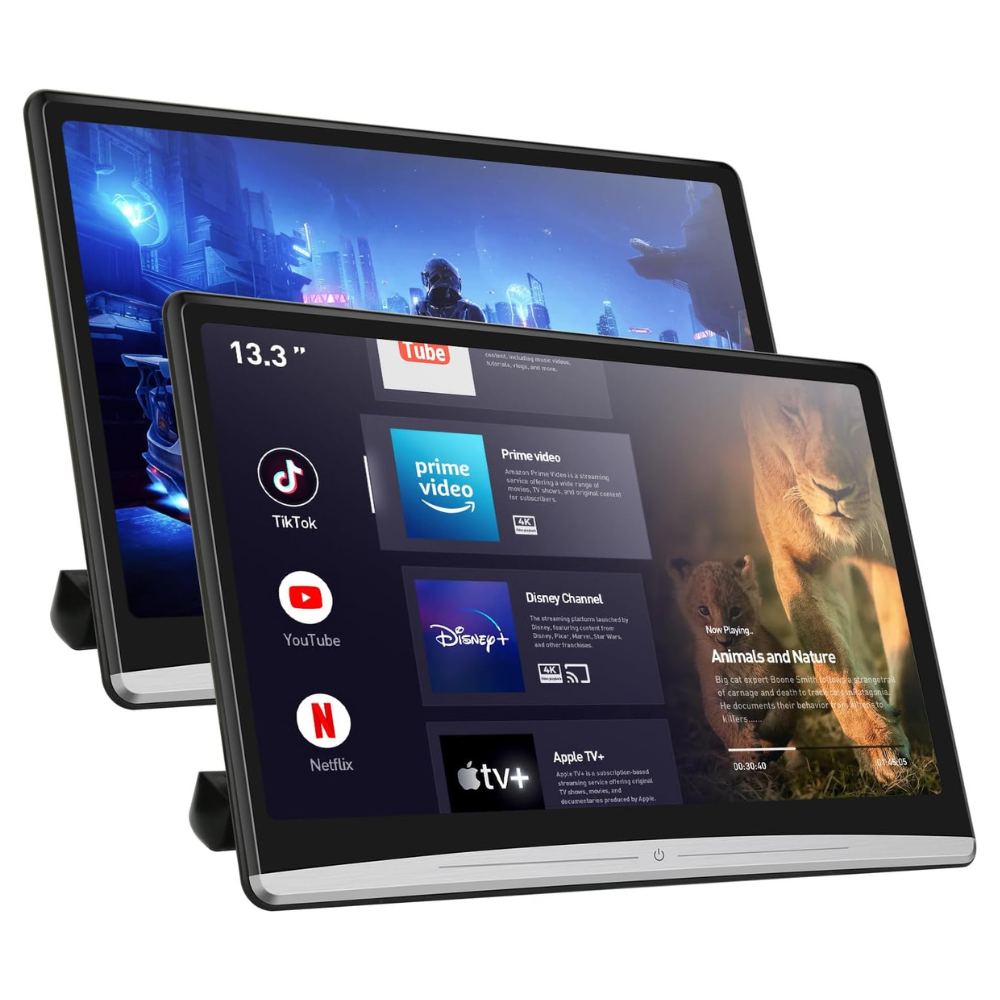
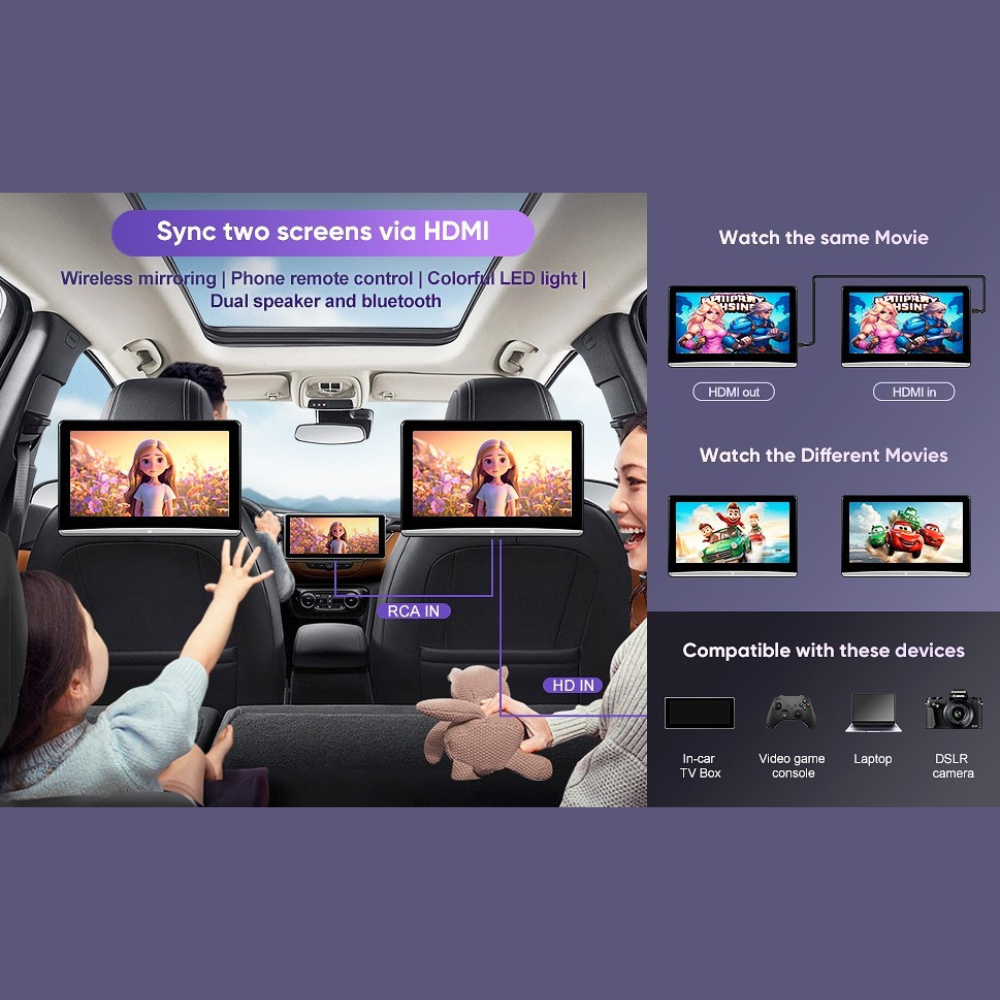
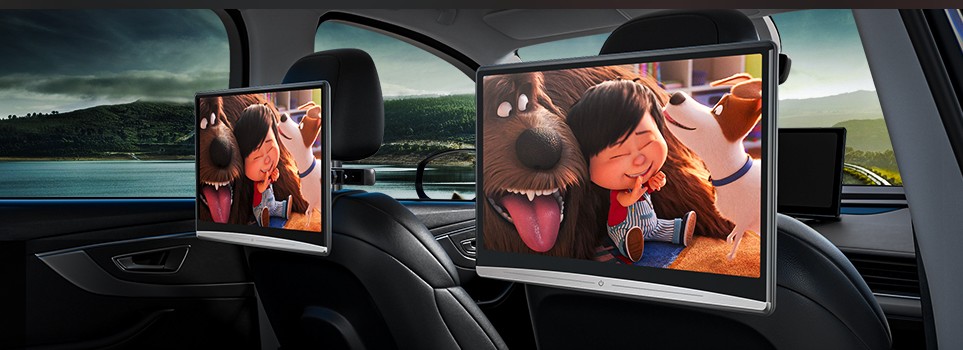
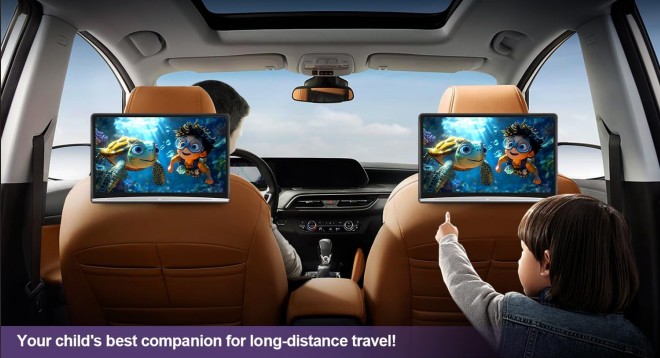
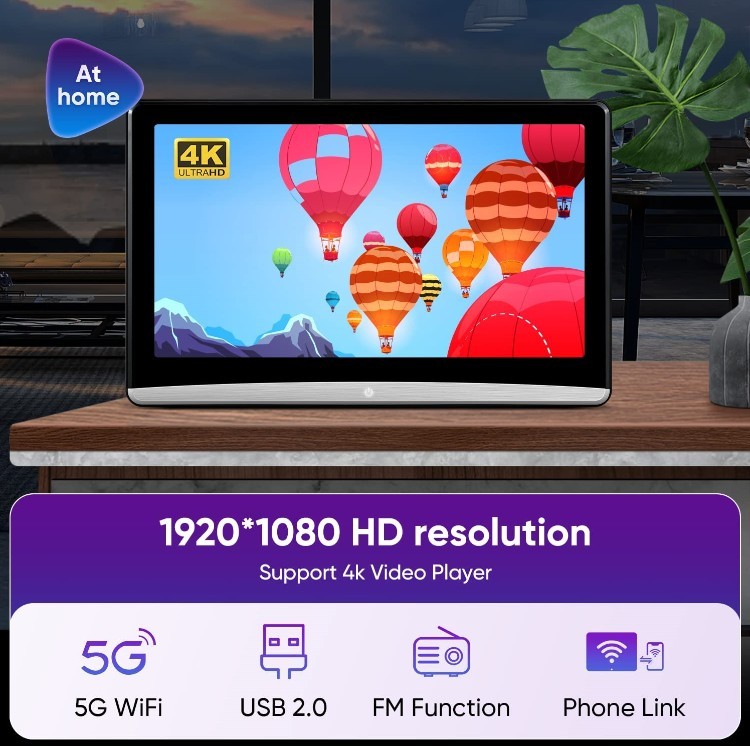
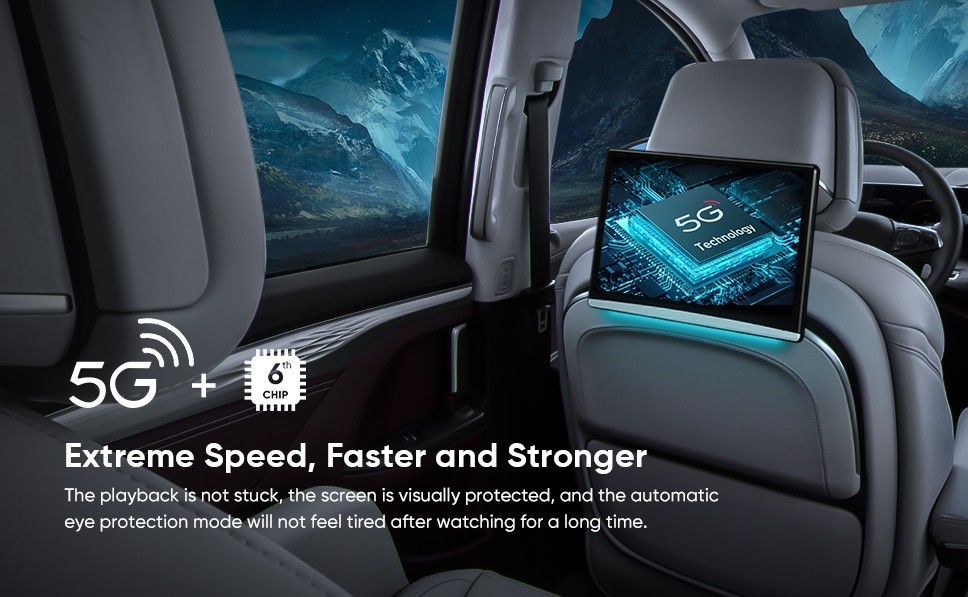
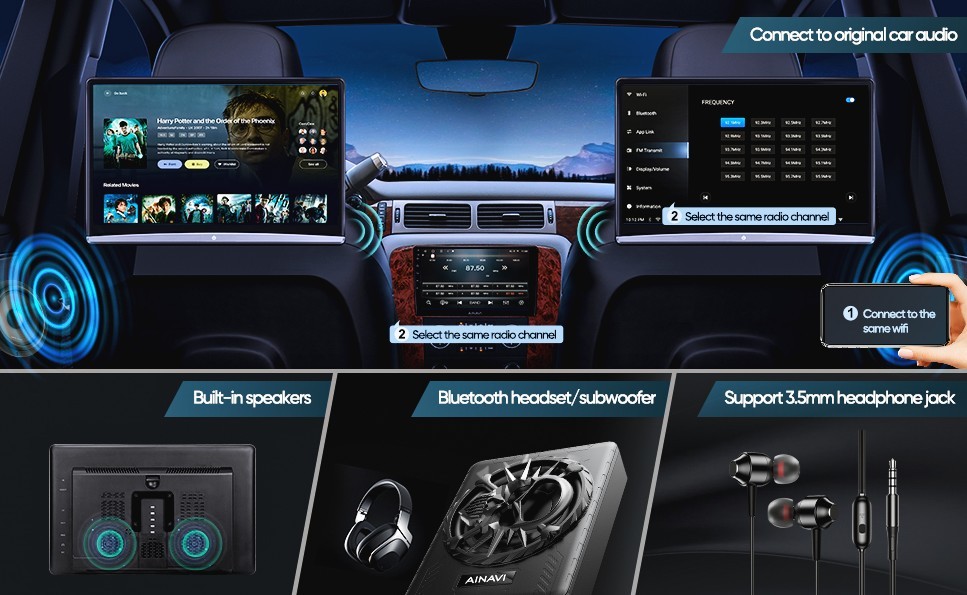
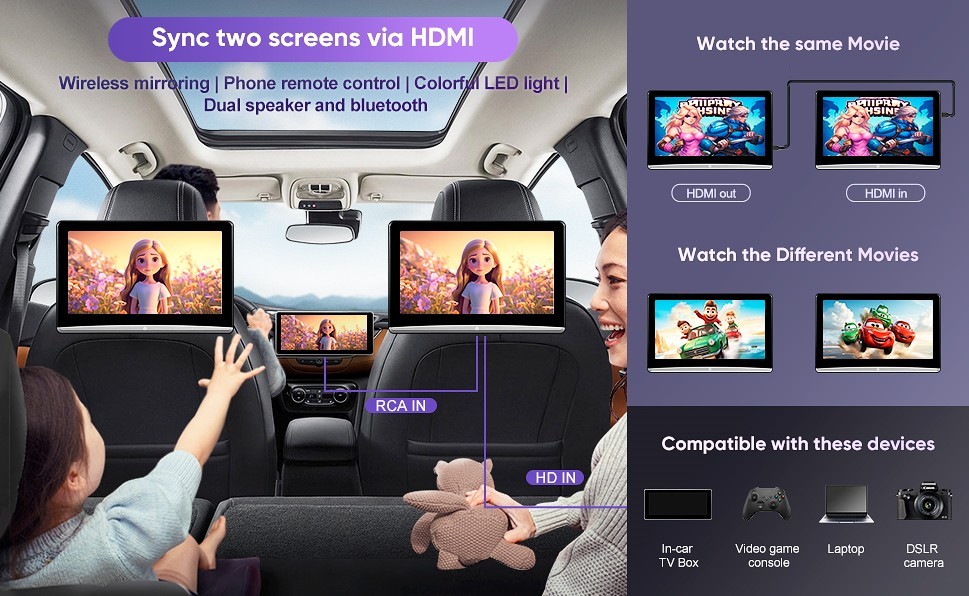
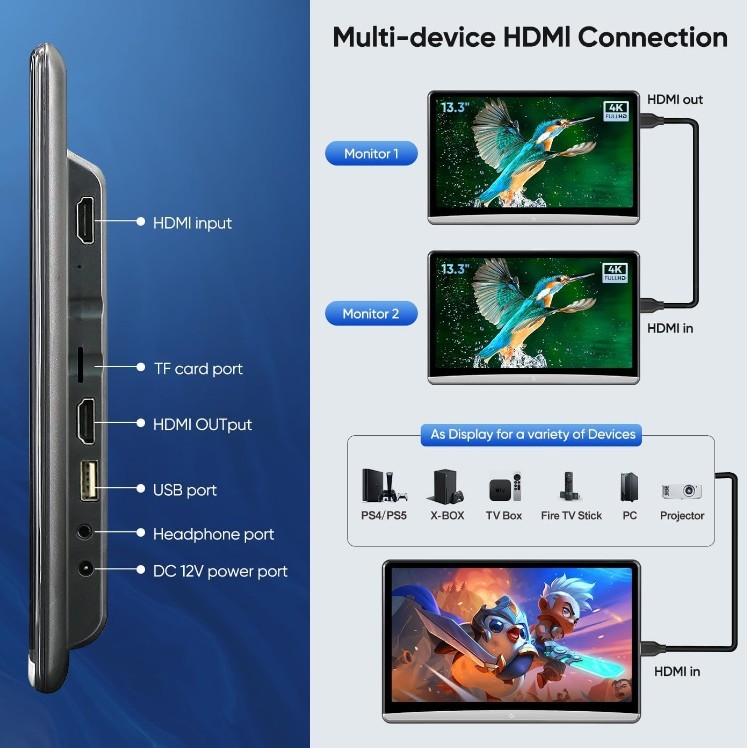
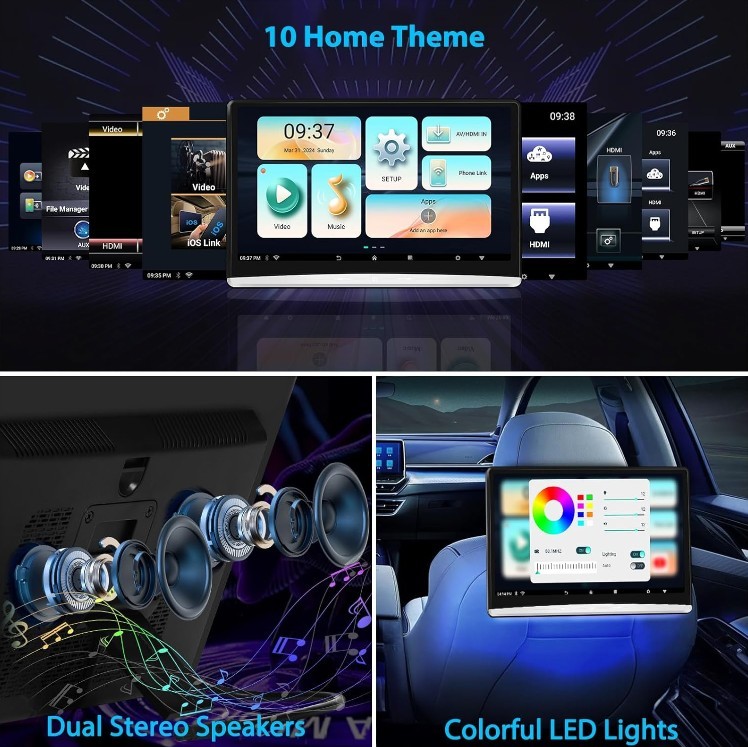

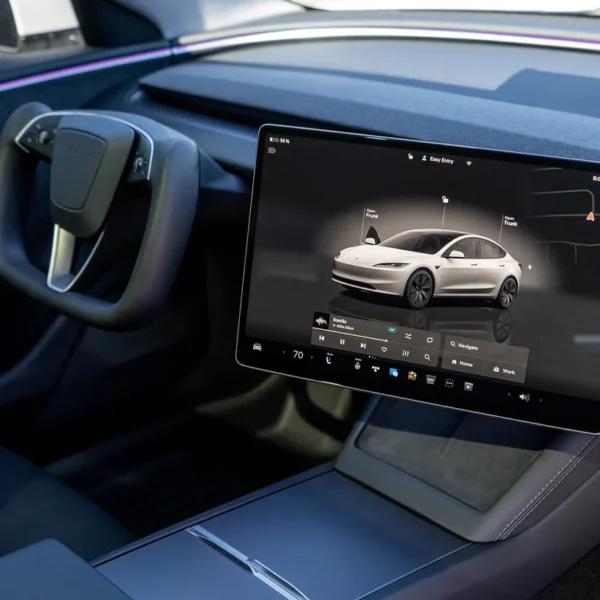
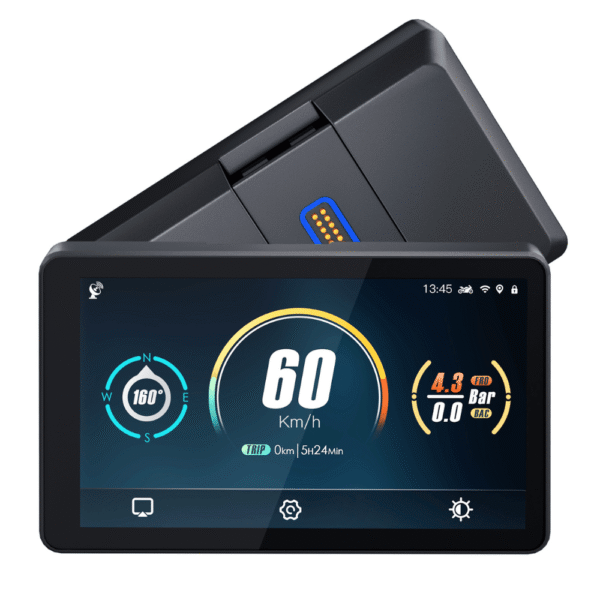
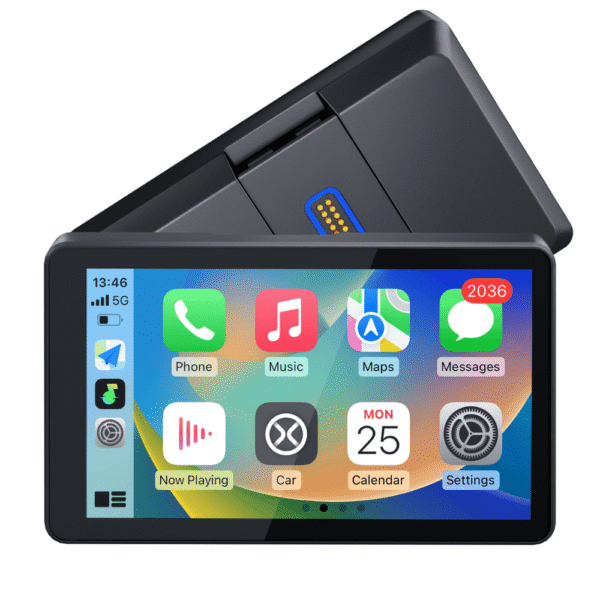
Keep your passengers entertained with this Android-powered Rear Seat Entertainment System. Enjoy movies, games, and streaming apps during every journey!
Set includes two screens
Key Features:

Fast & tracked delivery

In Lithuania

30 days free returns

Credit Cards & PayPal Available

Manufacturer's warranty

By phone and email
 Carplay.lt
Cheaper doesn’t always mean better. Not all CarPlay solutions are the same.
The real difference shows when price is not the only factor — but experience,
professional installation, and reliable support when you actually need it.
| Car brand | Audi, Audi, BMW, Citroen, Jaguar, Land Rover, Lexus, Mazda, Mercedes-Benz, Mini, Peugeot, Porsche, Seat, Skoda, Volkswagen, Volvo, Alfa Romeo, Bentley, Buick, Cadillac, Chevrolet, Chrysler, Dodge, Fiat, Ford, Honda, Iveco, Jaguar, Jeep, lexus, Maserati, Nissan, Opel, Renault, Subaru, Tesla, Toyota |
|---|---|
| Specifications | 11.6" 3GB+32GB, 12.4" 4GB+64GB |
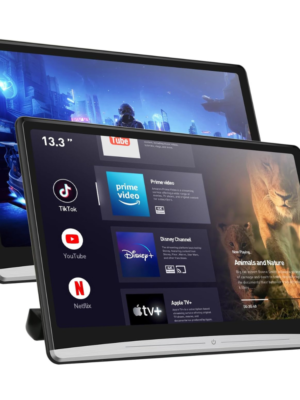 Universal Android Rear Seat Entertainment Multimedia Screen 11.6" 12.4"



Reviews
There are no reviews yet